
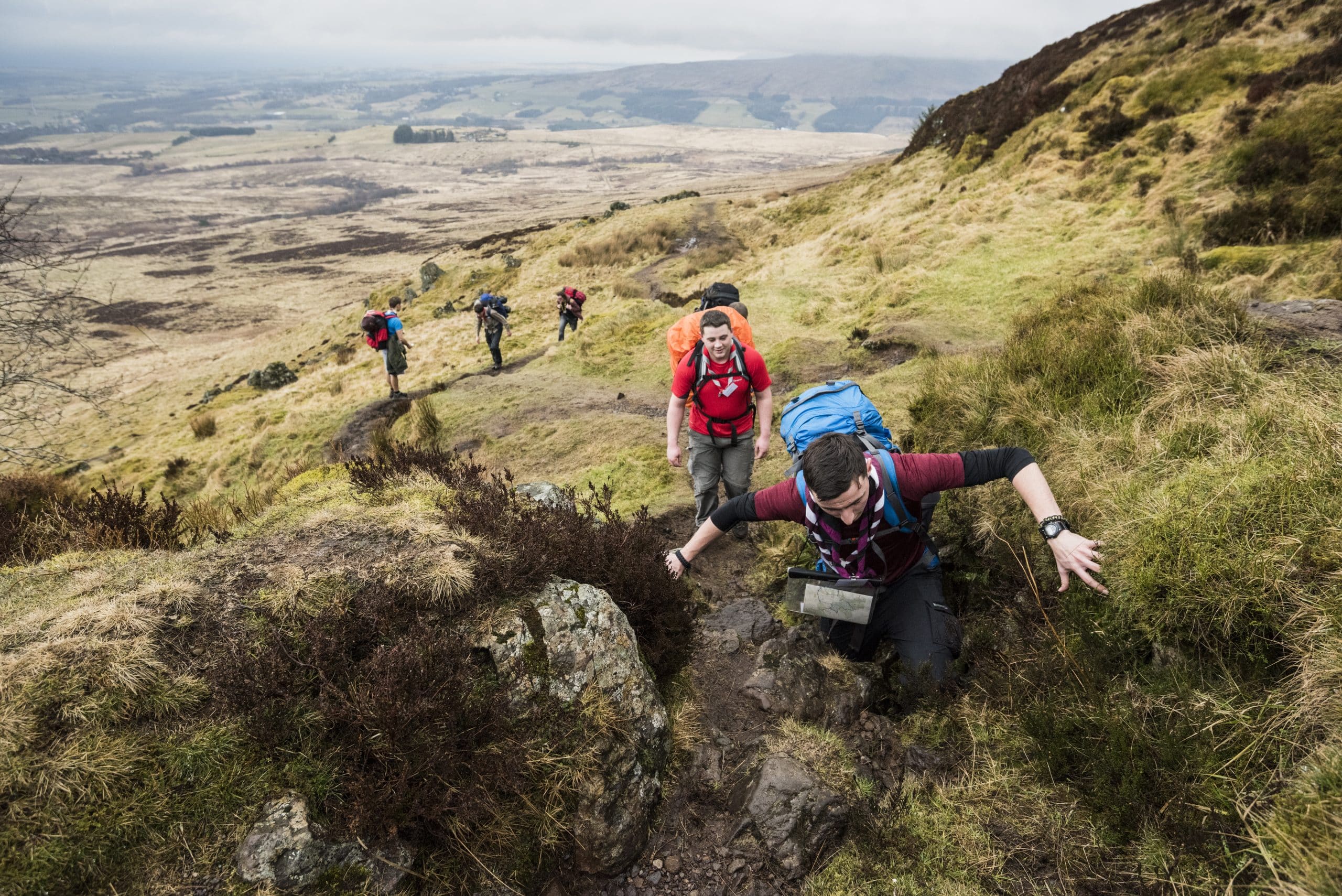
Duke of Edinburgh’s Award Guide
The Duke of Edinburgh’s Award (DofE) is a great opportunity for Explorer Scouts to challenge themselves, learn new skills, and make a positive impact in their community. Find out more information about it on our DofE information page.
Here’s a quick guide to assist participants who are completing the DofE scheme with Whitley Bay Explorer Scouts.
Registering for DofE
If you would like to work towards your DofE Award, we will ask you to register shortly after joining Explorer Scouts.
Once registered, you will receive a login for the eDofE portal. This is the online system used to:
- Record your activities
- Upload evidence
- Track progress towards your award
You must be registered on eDofE before you can start counting activities towards your DofE Award.
Choosing Your Activities
Before starting any activity for DofE, you must:
- Add your activity idea to the eDofE portal
- Submit it for approval (So it no longer says “Draft”)
Once the activity has been approved, you can begin taking part in it on a weekly basis.
Stuck for Ideas?
Recording Your Progress
It is important to regularly record your progress on the eDofE portal.
You should create and record evidence of your activities. This could include:
- Photos
- Videos
- Short written updates
- Links to resources
- Other relevant evidence
To compile these record we recommend completing an Activity Log Sheet and uploading it to eDofE for the necessary section.
Assessor’s Report
Each DofE section requires an Assessor’s Report at the end of the activity period.
Your assessor is the adult who oversees or supervises your activity. Please note that your assessor cannot be your parent/carer
At the end of your section, your assessor will be asked to write a short report confirming your participation and progress.
We recommend the assessor completes this through the DofE Assessor Portal (linked below). They will need your eDofE ID, your level, and the section they are assessing in order to submit the assessment.
Please note there are other ways of completing an assessors report but it must contain the information specified on the DofE Assessor Portal (linked below).
The report is then submitted through the eDofE system (automatically if done through the DofE Assessor Portal or manually uploaded by the participant on eDofE) to confirm you have completed that section.
Completing Your Section
Once you have:
- Completed the activity for the required time period
- Uploaded evidence of your participation
- Received a report from your assessor
your section can then be submitted for approval through the DofE system.
A DofE leader will review your submission before it is sent for final approval.
Common Mistakes to Avoid
To help ensure your DofE progress goes smoothly, remember:
- Register before starting activities
- Get your activity approved before beginning
- Upload evidence regularly
- Choose a suitable assessor
- Complete the activity for the full required time
Following these steps will make it much easier to complete your DofE sections successfully.
Need Support?
The Explorer team are always happy to help, speak to us on a meeting night or visit our Meet The Team page to find the right contact!